Book Fixer · Mac app
Why did my e-books show blank pages?
Drop in a broken e-book, comic or PDF and get a fixed copy that opens properly in your reader, with the original untouched.
Auf einen Blick
- Role
- Design and development
- Platform
- macOS 13 or later, Apple Silicon
- Period
- 2026, updated Oct 2026
- Tested
- 307 stress-test runs, 300 damaged files, 49 sample files
- Tools
- Swift, SwiftUI, Xcode, PDFKit, Vision, Figma, Claude Code
Hintergrund
A Mac app I designed and built in 2026, with assistance from Claude Code.
The problem
Several of my e-books, especially comics, showed blank pages in Apple Books, because they were built in a way Apple Books doesn’t display. The first version, called EPUB Fixer, fixed exactly that. In October 2026 I turned it into Book Fixer: it now also handles comic archives and PDFs, and can prepare copies for Kindle and Kobo as well as Apple Books.
What it does
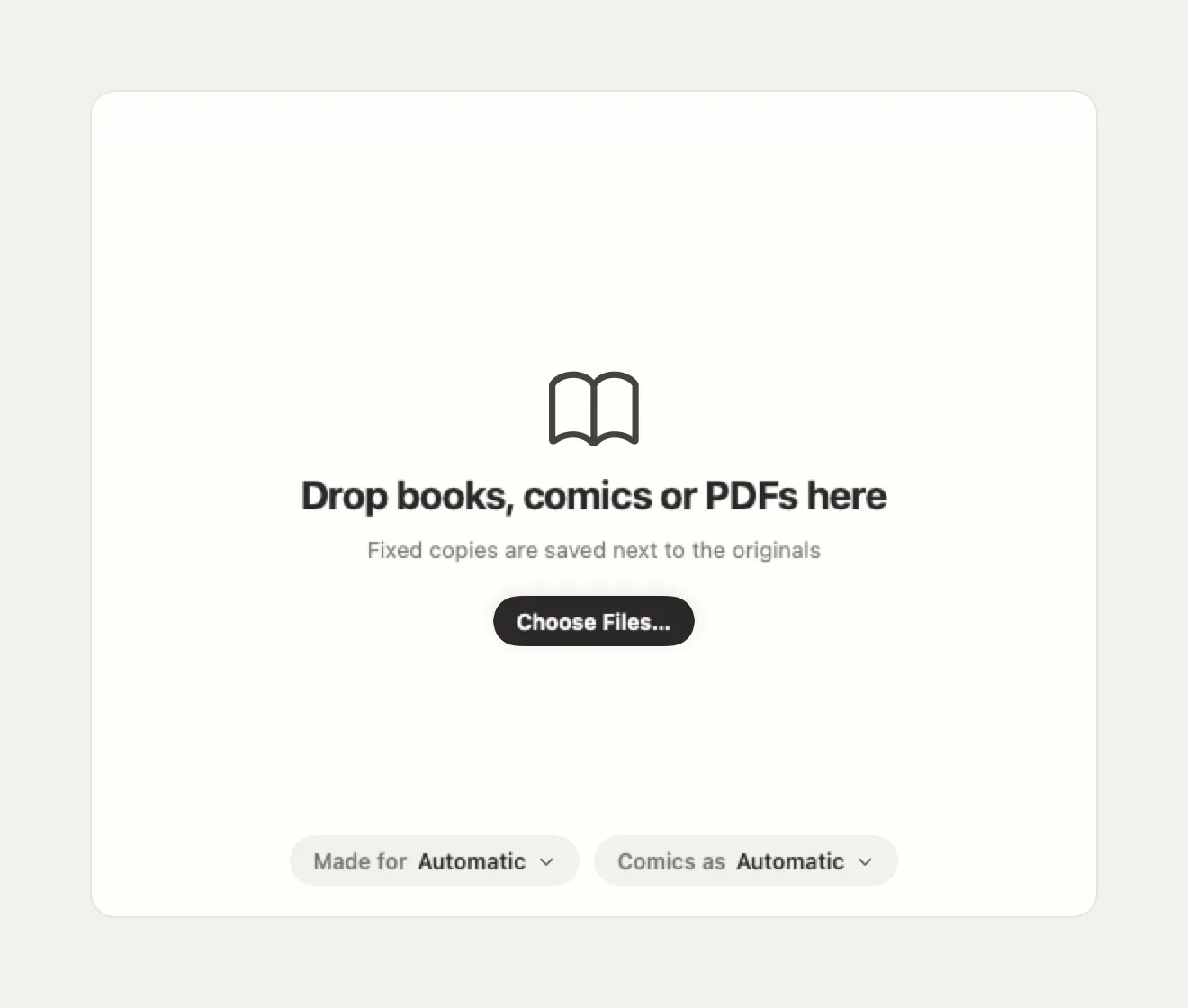
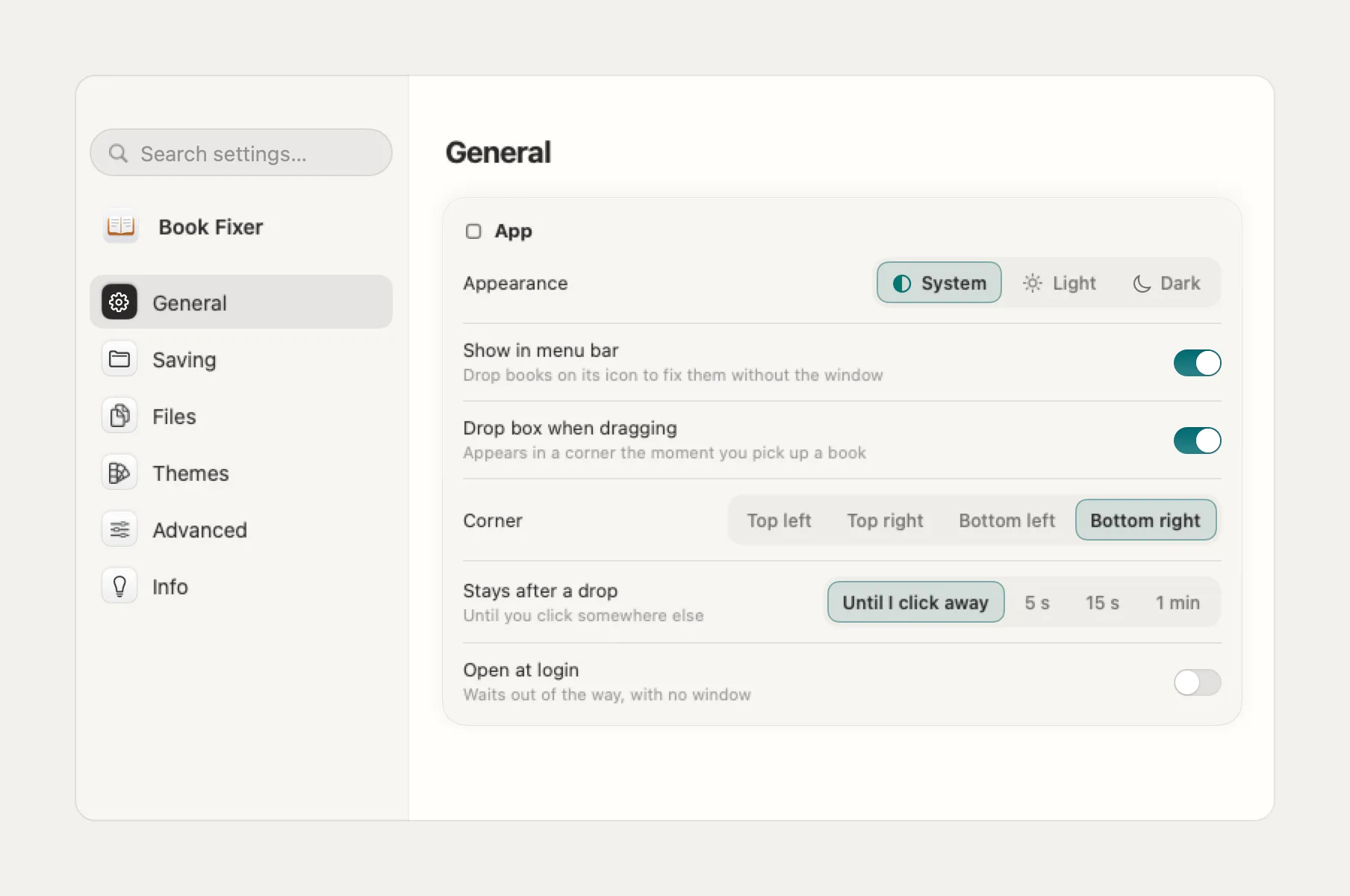
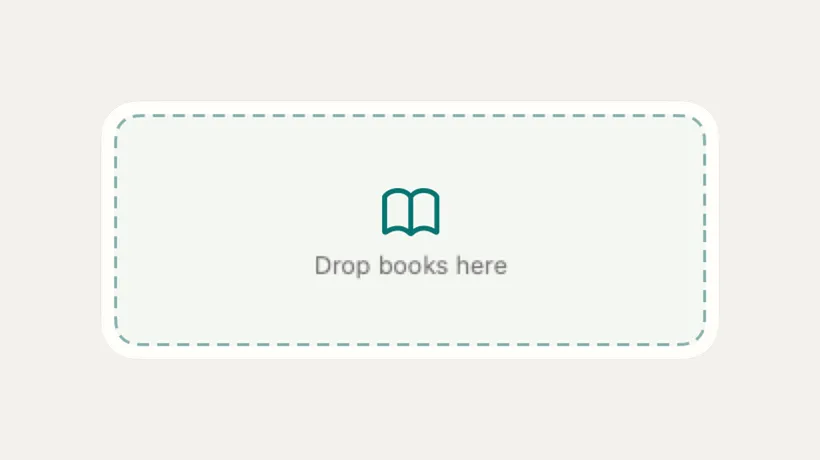
Drop files or folders on the window, the Dock icon, the menu bar icon, or a small drop box that appears in a corner of the screen when you start dragging. Each file gets a fixed copy for the reader you choose (Automatic, Apple Books, Kindle or Kobo), and the original stays as it was.
- E-books (EPUB): repairs pages, contents and index, recovers cut-short files, removes dead links, rebuilds Kindle comics as picture books and upgrades to EPUB 3.
- Comics and manga (CBZ, CBR, CB7, CBT): pages sorted with the cover first, unsupported images converted, saved as a book, a clean archive or a PDF.
- PDFs: scans become searchable, sideways pages are turned upright and wrong titles are replaced.
- Tidy names: codes, ISBNs and site names are removed from file names.
Design decisions
- Originals are only read. The fix is written to a temporary file and swapped in at once, so a failed fix never leaves a half-written copy.
- Every fix is checked. Each fixed copy is opened again and checked before it counts as fixed.
- Automatic by default. Most people just want the dropped file fixed, so the app picks the right reader settings unless told otherwise.
- No copy without a reason. A PDF with nothing wrong gets no copy; a missing title alone is not a reason to make one.
- Stays on this Mac. No permissions and no network code. Text recognition runs on the Mac, and the app opens only the files it is given.
How I made it
The same design process as Simple Record (see the design process), with one difference: the starting point was a set of real books that failed in Apple Books. They became the test set. Every fix is checked automatically on those books: each page is rendered and checked, the file structure is validated, and for PDFs the page count is compared with the original.
For the October update I tested how it fails, not only whether it works:
- 307 stress-test runs across the settings, with every original checked to be unchanged.
- 300 deliberately damaged files: 113 were still fixed, 187 were refused cleanly, with no crash or hang.
- The same file fixed 6 times at once.
- 49 sample files passing, and 7 deliberately broken ones refused as intended.
- A check that fixing also works inside the Mac App Store’s sandbox.
Measuring the running app found large savings:
- An 877 MB comic needed 2.6 GB of memory. Now it needs about 10 MB, because the file is read in place and the copy is written page by page.
- A 150-page scanned PDF went from 554 MB to 313 MB of memory, in the same time of about 23 seconds.
- Rebuilt scans could double in size. A size check now prevents it.
- Fixing several files at once left temporary files behind. Fixed.
- About 350 lines of unused code removed.
Design update
Part of bringing all four of my apps in line as one family, described on the Simple Record page:
- A new icon, drawn in code in a light and a dark version, with a matching menu bar icon.
- Clearer results. Fixed books show their cover with a pink seal, anything that failed gets an amber triangle, and each batch ends with a “done” banner.
- A right-click menu on the drop box.
- At rest the app uses 0.0% of the processor and about 37 MB of memory.
What I learned
Some failures make no noise. When saving PDFs, the bookmarks disappeared without any error message; another time, text next to an “&” was quietly damaged. Both were only caught because the results were checked, not just the process. Now I always check the output, even when nothing reports a problem.
Next
Deciding how to release it. Direct sale works as it is; the Mac App Store would need fixed copies saved to a chosen folder, and the option to move originals to the Trash would go. Before that: testing on real Kindle and Kobo devices and with a real RAR comic.
Kontakt
Fragen, Ideen oder selbst etwas Ähnliches ausprobiert? Ich freue mich, davon zu hören. E-Mail schreiben