EPUB Fixer · Mac app
Why did my e-books show blank pages?
Drop in broken e-books and get repaired copies, ready for Apple Books in one click.
At a glance
- Role
- Design and development
- Platform
- macOS, Apple Silicon
- Period
- 2026
- Tested
- Automatic page-by-page check on real books
- Tools
- Swift, Xcode, Claude Code, Figma, Icon Composer
About
A Mac app I designed and built in 2026, with assistance from Claude Code.
The problem
Several of my e-books, especially comics, showed blank pages in Apple Books, because they were built in a way Apple Books doesn’t display.
What it does
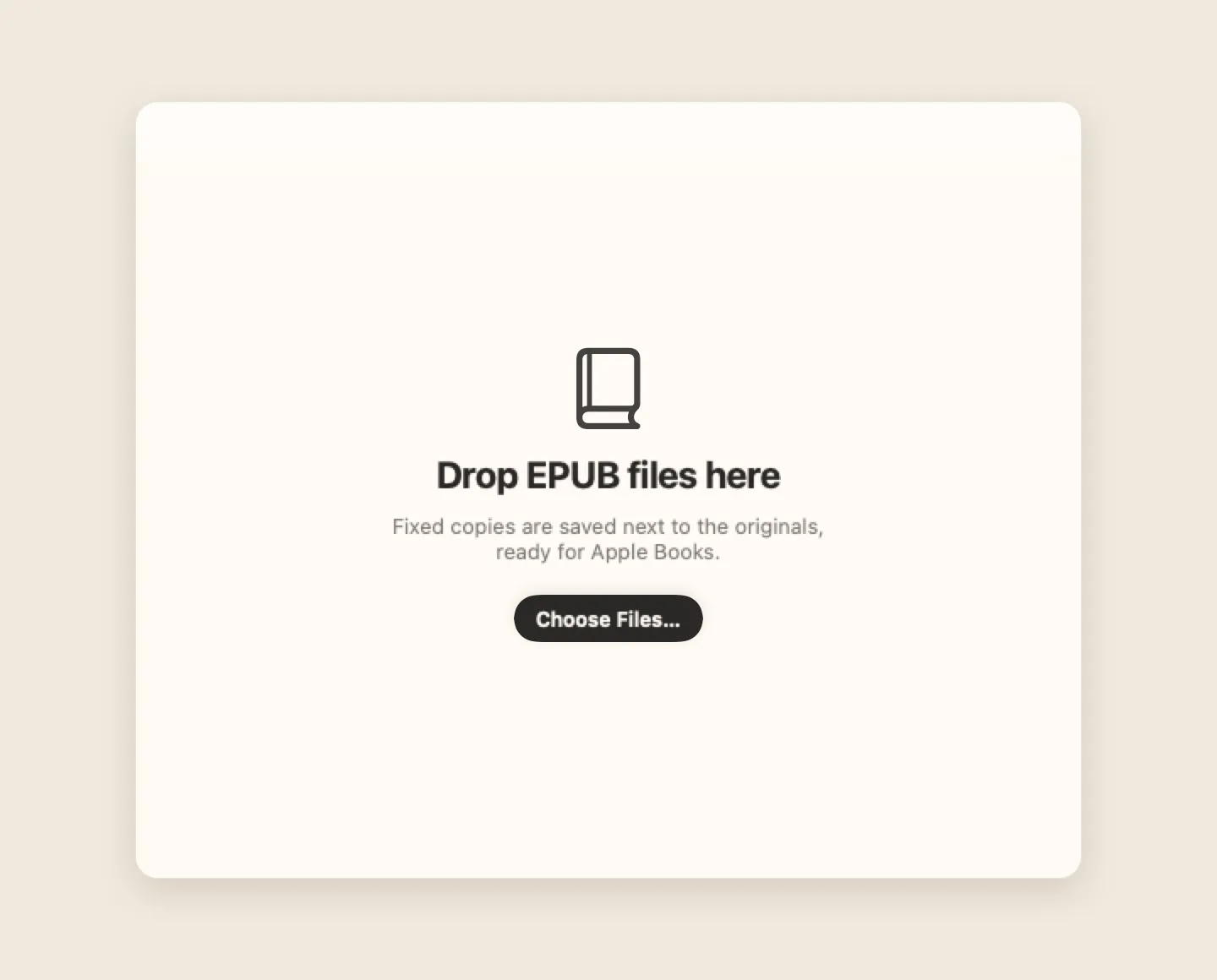
Drop one or many EPUB files onto the window and get repaired copies. Comics are rebuilt with one page per image; text books get fixed characters, links and a proper table of contents. Picture books can also be saved as PDF.
Design decisions
- Originals are never changed. The app always writes a new, clearly named copy.
- Rebuild, don’t patch. Comics are rebuilt from their images, because that is what Apple Books displays reliably.
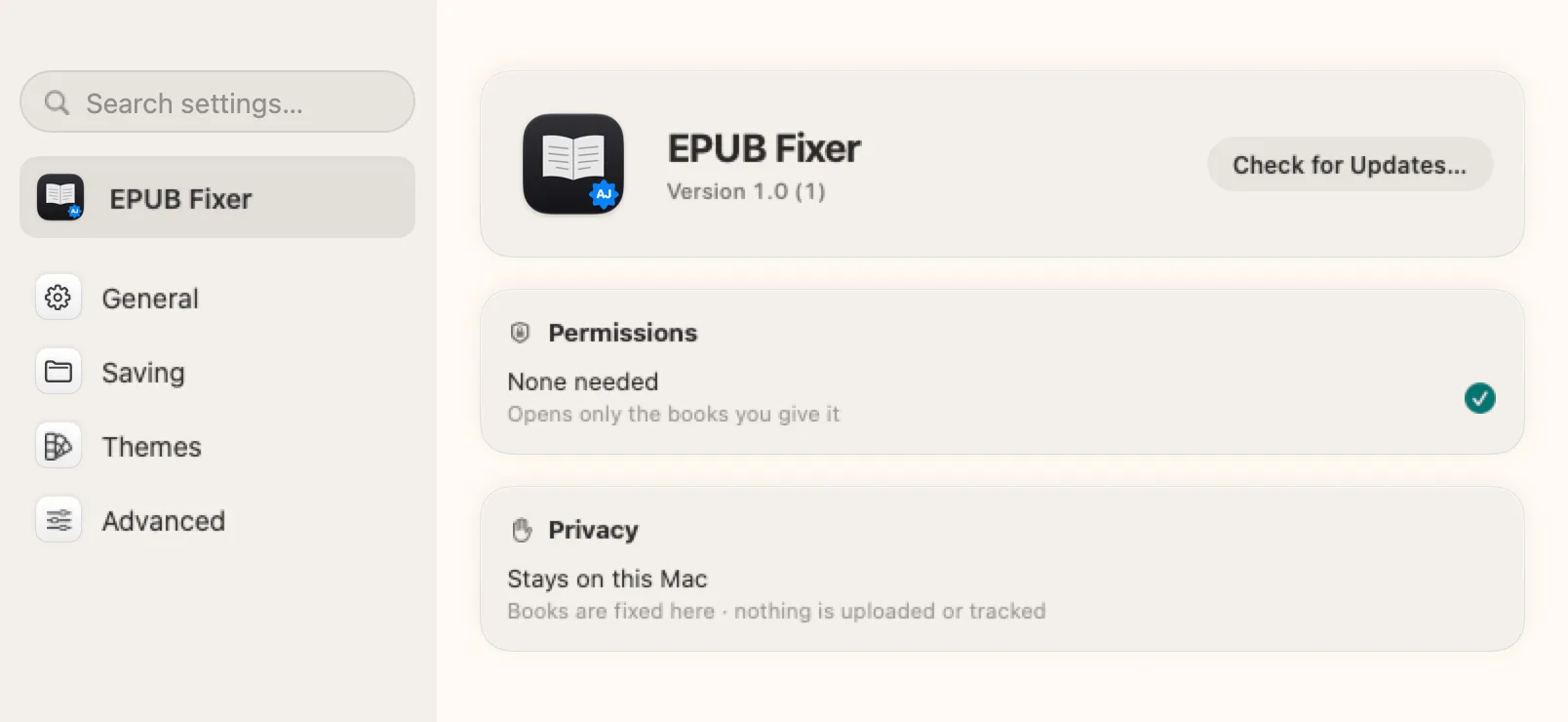
- Stays on this Mac. No permissions needed; it opens only the books you give it and uploads nothing.
How I made it
- Sketched the flow by hand in Freeform, level by level: what happens at each step.
- Described every screen in Notion: what it shows and what each option does.
- Designed each element by hand in Figma.
- Built the app in Xcode, with assistance from Claude Code.
- Drew the app icon in Icon Composer.

Next
Turning it into a general file fixer: drop in any broken file, whatever the format, and the app finds and fixes the problems.