Plain Paste · Mac app
Why does pasted text keep its formatting?
Removes formatting the moment you copy, so ⌘V pastes clean text everywhere.
Auf einen Blick
- Role
- Design and development
- Platform
- macOS 26 or later, Apple Silicon
- Period
- 2026, updated Oct 2026
- Tested
- 209 automated checks
- Tools
- Swift, SwiftUI, Xcode, Figma, Claude Code
Hintergrund
A Mac app I designed and built in 2026, with assistance from Claude Code.
The problem
When writing job applications, I copy names and details from job ads into emails. The pasted text kept its fonts and colours, and some fields, like the subject line in Apple Mail, can’t paste without formatting.
What it does
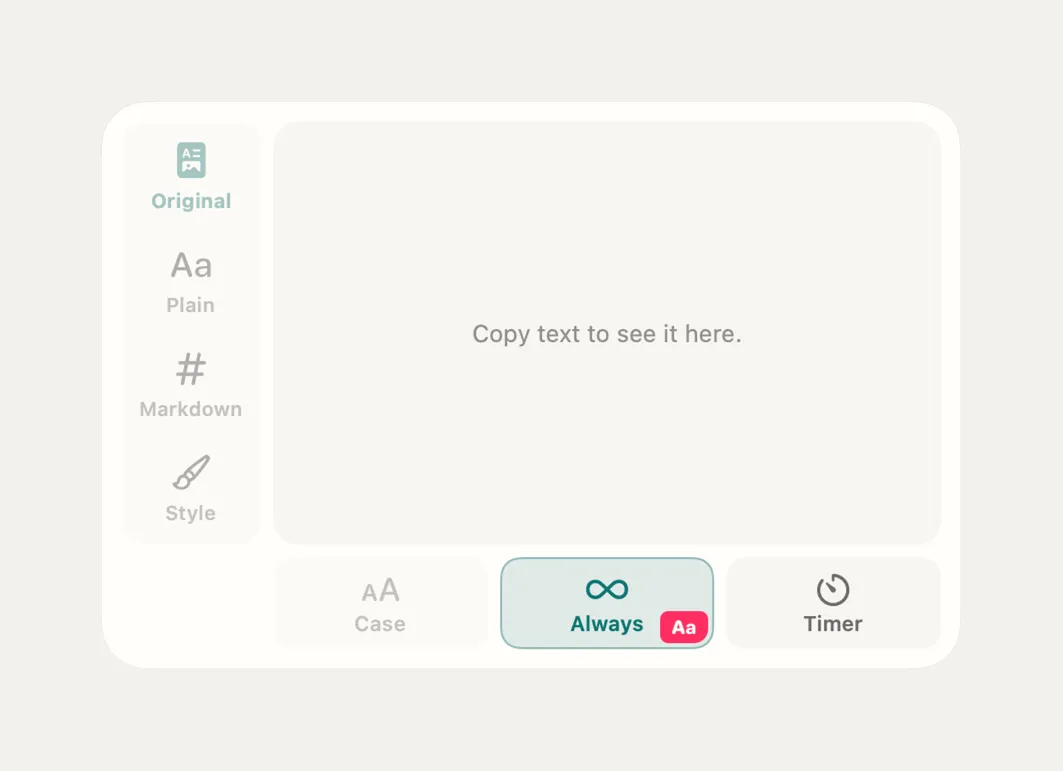
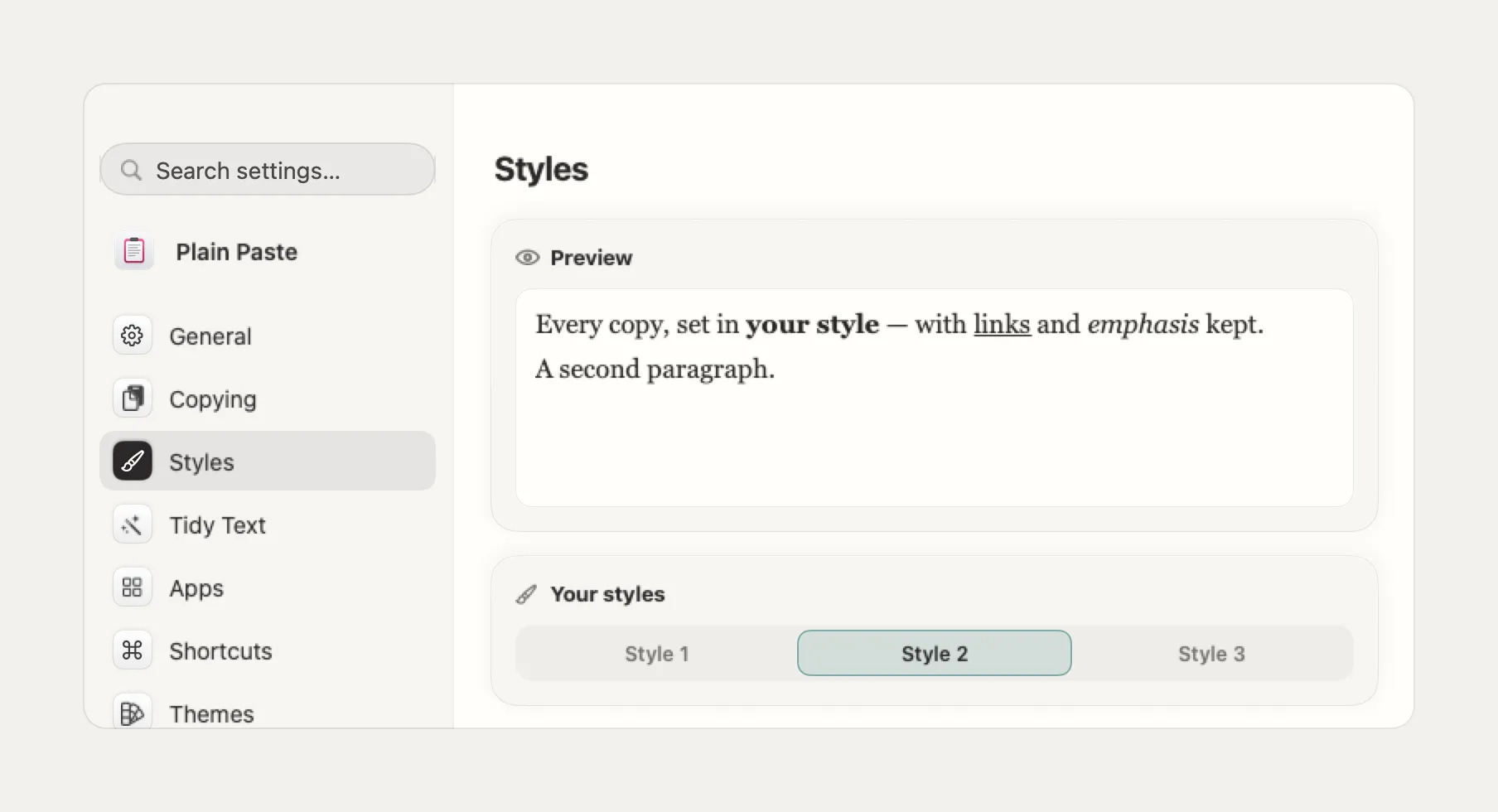
It removes the formatting as soon as you copy. A small menu bar panel shows the last copy and can switch it to plain text, Markdown or one of three saved styles, each with its own font, size and colour.
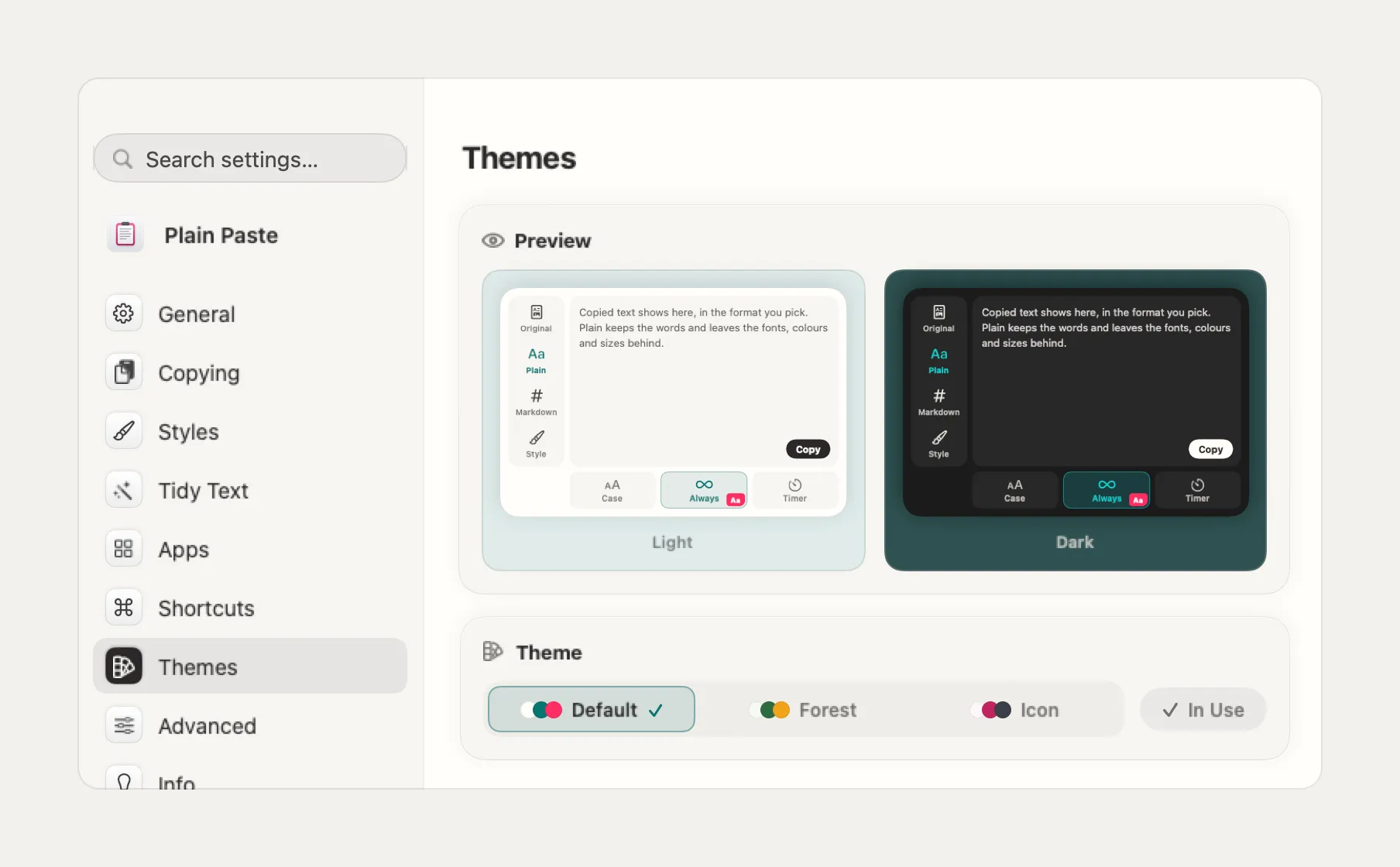
It can also tidy text, for example rejoin lines broken by PDFs or straighten quotes, and remove tracking parameters from links, all on the Mac. The app follows light or dark mode and has three themes, Default, Forest and Icon, or your own colours.
Design decisions
- Clear rules for what wins. A one-off choice beats a timer, a timer beats a rule for a specific app, and that beats the default.
- Preview first, then copy. Picking a format only previews it, so a stray click never overwrites your settings.
- Privacy by design. Works offline, keeps no clipboard history, needs no permissions and never touches passwords, files or images.
How I made it
The same process as Simple Record: hand sketches in Freeform, every screen described in Notion, each element designed in Figma (see the design process), built in Swift and Xcode with assistance from Claude Code, and the icons drawn in code.
What was different here: most of the design came from using early versions every day.
- Clicking a format chip used to overwrite my timer and my default. So chips became preview-only, and a separate Copy button writes to the clipboard.
- “Original”, “Clean” and “Plain” looked too similar to tell apart. I renamed and reduced the choices until each one was clearly different.
- I decided against a clipboard history and online link shorteners, to keep everything private and offline.
- 209 automated checks run against a private scratch clipboard, so my real clipboard is never touched and no permissions are needed.
October 2026 update
Part of bringing all four of my apps in line as one family:
- A new icon, drawn in code in a light and a dark version. It comes in six colours to pick in Settings, raspberry by default, and its “AJ” badge can be switched off.
- Two new themes, Forest and Icon, the second one in the icon’s own colours.
- No more idle load. After the welcome tour was closed, its window kept animating off screen and used about 15% of the processor. Now the app uses 0.0% at rest, with about 58 MB of memory.
- Easier to maintain. One 2,800-line design file is split into four.
What I learned
Not every bug is visible. At one point the settings window looked perfectly fine, but a setting was rewriting itself on every screen update, keeping the processor busy and quietly stopping background work. It was only found by measuring the running app. Since then, I trust measurements more than how something looks.
Next
A downloadable version first, then the Mac App Store, so that others, starting with my brother, can use it too.
Kontakt
Fragen, Ideen oder selbst etwas Ähnliches ausprobiert? Ich freue mich, davon zu hören. E-Mail schreiben