Plain Paste · Mac app
Why does pasted text keep its formatting?
Removes formatting the moment you copy, so ⌘V pastes clean text everywhere.
At a glance
- Role
- Design and development
- Platform
- macOS, Apple Silicon
- Period
- 2026
- Tested
- About 80 automated tests
- Tools
- Swift, Xcode, Claude Code, Figma, Icon Composer
About
A Mac app I designed and built in 2026, with assistance from Claude Code.
The problem
When writing job applications, I copy names and details from job ads into emails. The pasted text kept its fonts and colours, and some fields, like the subject line in Apple Mail, can’t paste without formatting.
What it does
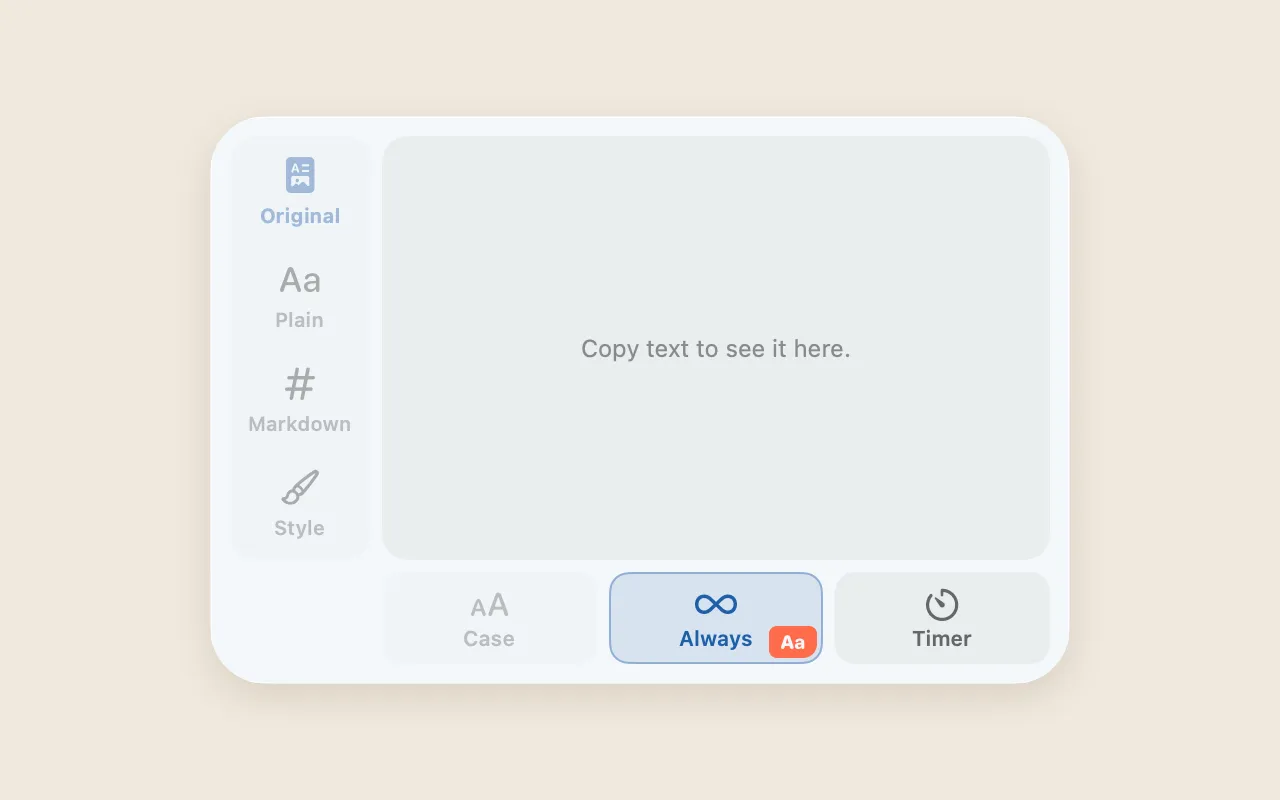
It removes the formatting as soon as you copy. A small menu bar panel shows the last copy and can switch it to plain text, Markdown or a saved style of your own.
Design decisions
- Clear rules for what wins. A one-off choice beats a timer, a timer beats a rule for a specific app, and that beats the default.
- Preview first, then copy. Picking a format only previews it, so a stray click never overwrites your settings.
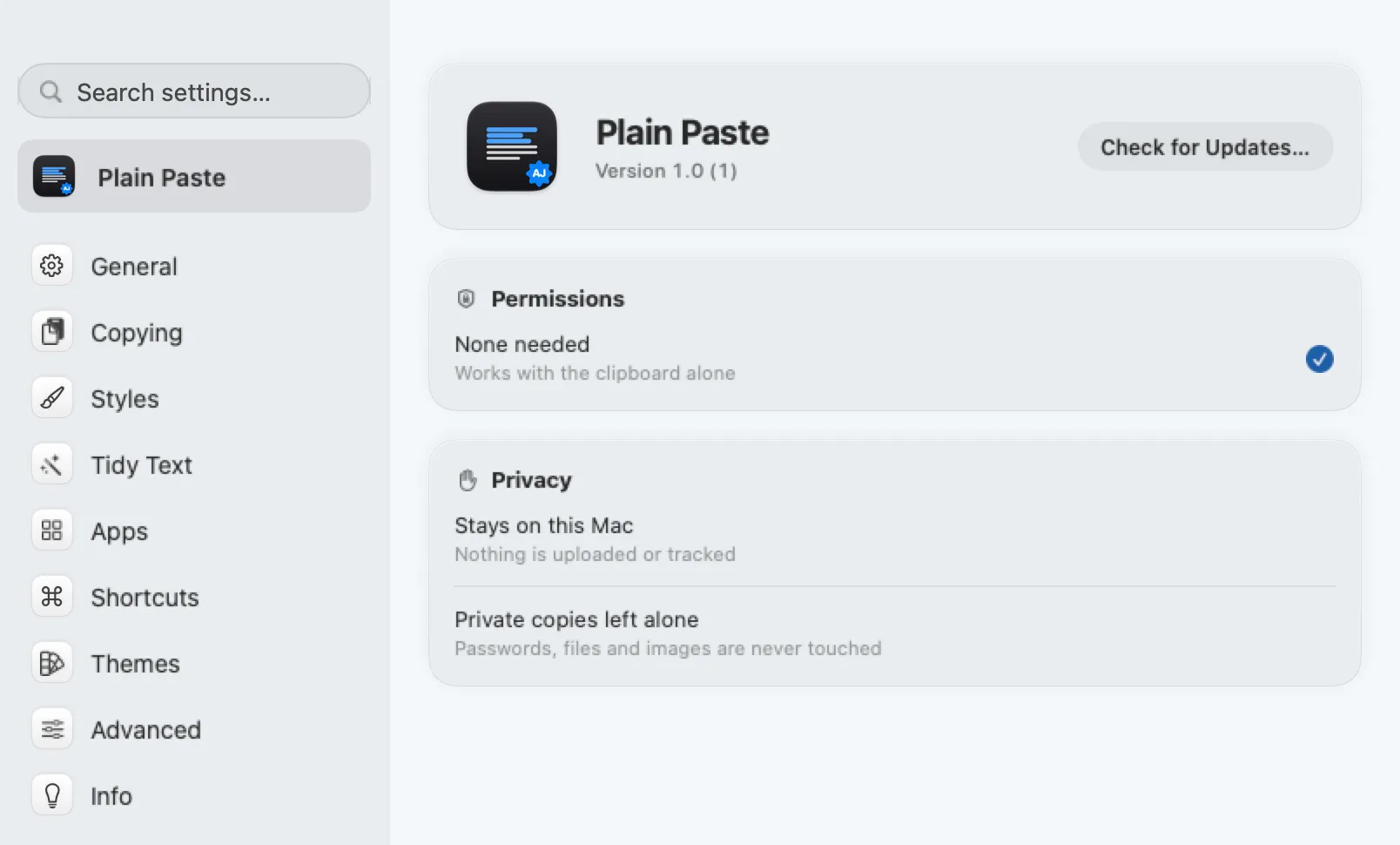
- Privacy by design. Works offline, keeps no clipboard history, needs no permissions and never touches passwords, files or images.
How I made it
- Sketched the flow by hand in Freeform, level by level: what happens at each step.
- Described every screen in Notion: what it shows and what each option does.
- Designed each element by hand in Figma.
- Built the app in Xcode, with assistance from Claude Code.
- Drew the app icon and the menu bar icon in Icon Composer.