Simple Record · Mac app
Can a screen recorder show my brand?
Records the screen, me in a camera bubble, or just my voice, with my own badge on screen.
At a glance
- Role
- Design and development
- Platform
- macOS, Apple Silicon
- Period
- 2026
- Tested
- 172 automated tests, 30 recording scenarios
- Tools
- Swift, Xcode, Claude Code, Figma, Icon Composer
About
A Mac app I designed and built in 2026, with assistance from Claude Code.
The problem
For my videos I needed a recorder that shows my screen and me at the same time. Most recorders can do that, but I also wanted my own brand on screen, and a voice-only mode.
What it does
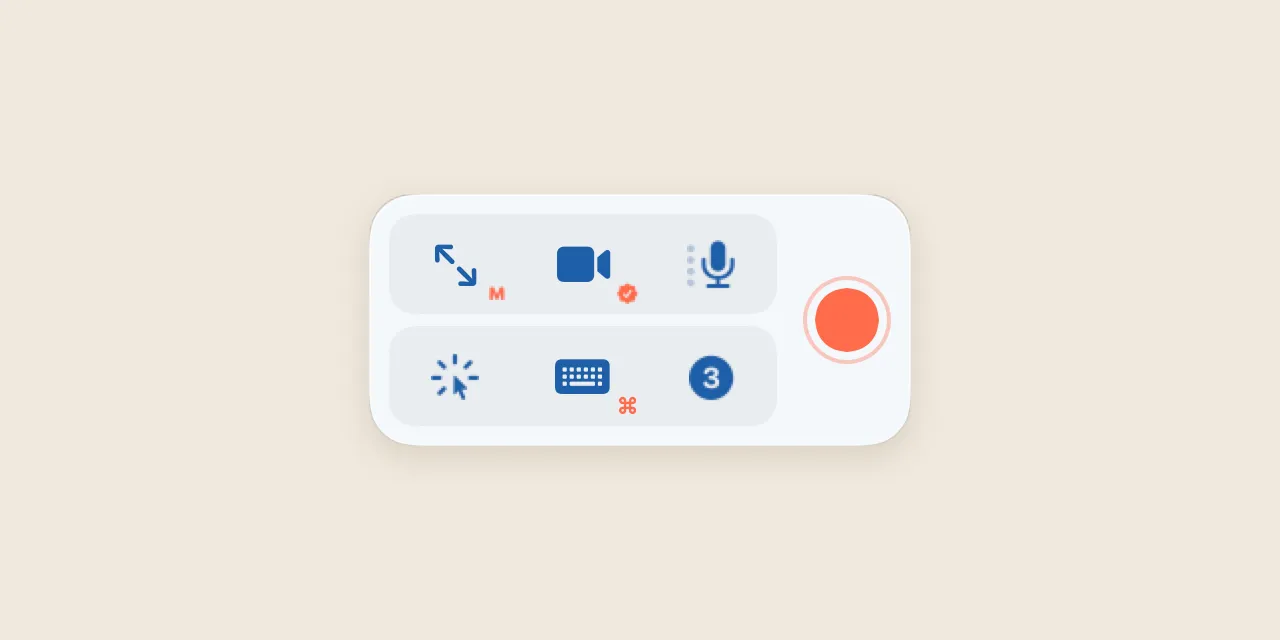
A small floating toolbox with three tiles, Area, Camera and Mic, gives four modes: screen, screen with camera bubble, camera only, and voice only. Pauses are cut out of the file automatically.
Design decisions
- Brand badges. The camera bubble can carry a symbol, emoji or sticker, or show only the badge.
- No dead buttons. Options that would have no effect are hidden, so every click does something.
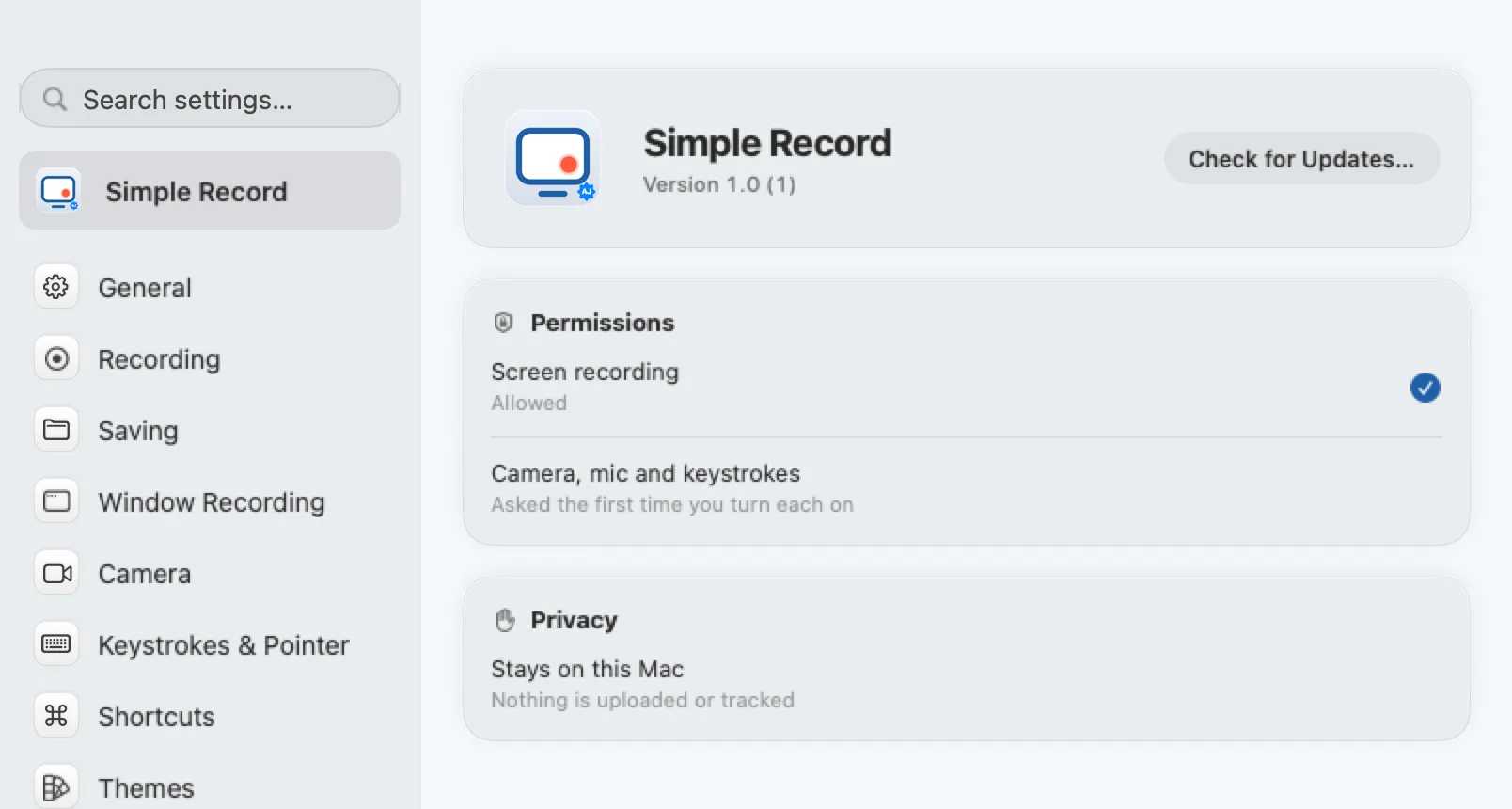
- Stays on this Mac. Nothing is uploaded or tracked; camera and microphone are only requested when first turned on.
How I made it
- Sketched the flow by hand in Freeform, level by level: what happens at each step.
- Described every screen in Notion: what it shows and what each option does.
- Designed each element by hand in Figma.
- Built the app in Xcode, with assistance from Claude Code.
- Drew the app icon and the menu bar icon in Icon Composer.